
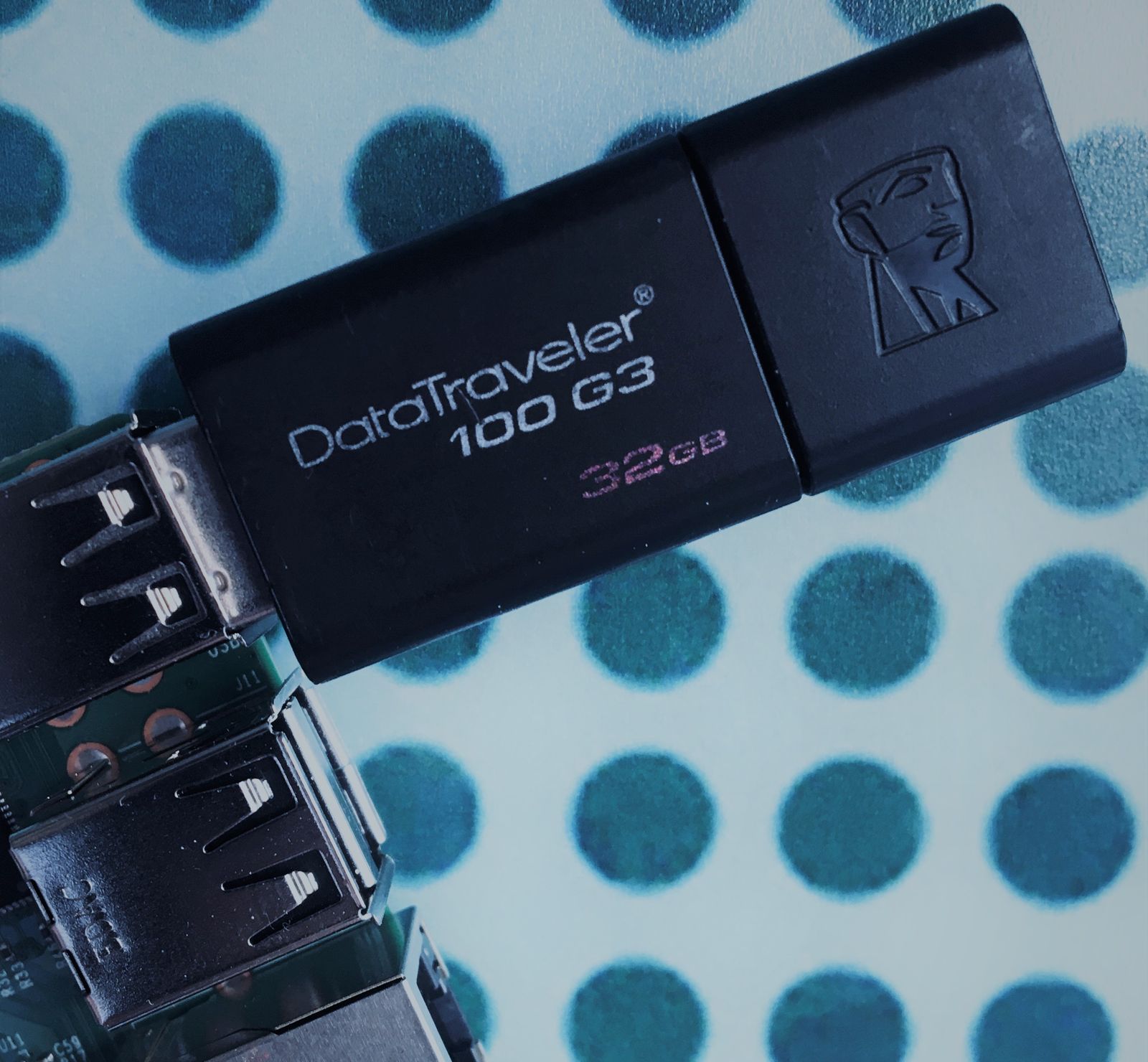
Import cuelists straight from a USB flash drive
Import cuelists.px directly from a USB flash drive on the Pixout Controller.
Import via USB flash drive allows importing cuelists.px from USB flash drive. This file should be located in Drive:\import\ directory. Import will be enabled only if the switch is located in ON position until the user turns it OFF.
Improvements
- Cuelists import from a USB drive
Packages and versions
- PXCLIENT — 1.1.12
- PXSERVER — 1.4.3
- FIRMWARE-UPDATE — 0.0.8
We will keep you posted on whatever new releases we have. I hope you enjoy your Pixout ArtNet Recorder device! Pixout team